
Recover quickly when the unexpected happens
A recovery plan should protect the work your business depends on—not just create another backup report.
- Automated encrypted backups
- Restore testing
- Recovery time objective
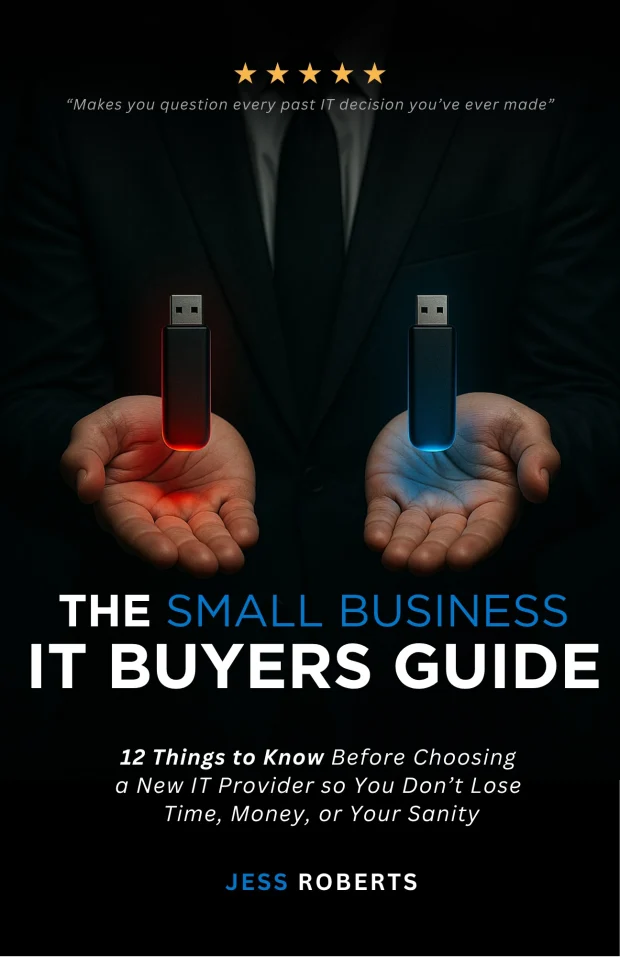
Download “The Small Business IT Buyers Guide”
Our free guide helps you understand what to look for in IT support, the fees involved, and how choosing the right partner can protect your business from data breaches, compliance risks, and unnecessary downtime.
Downtime becomes expensive long before data is permanently lost
Unmanaged, or managed in name only
- Downtime discovered by staff, not systems
- Backups running, but never actually tested
- Three vendors, none of them accountable
- Security spend with no idea what it covers
One accountable partner
- Issues caught by monitoring before work stops
- Recovery tested, with a known recovery time
- One named team answerable for the whole stack
- A clear picture of what is protected and what isn't
Protect the systems, files, and recovery paths that keep work moving
Every business faces the risk of data loss—it's not a question of if, but when. According to a recent study by the Ponemon Institute, the average cost of downtime now ranges from $7,900 to $16,700 per minute, depending on the industry and severity of the outage. For small businesses, a single hour of downtime can easily exceed $10,000 in lost revenue and productivity.
Data Loss
Hardware failure, human error, or accidental deletion can cause permanent loss of critical business data—client records, financial information, and operational systems.
Prolonged Downtime
Without backups, recovery after an incident can take days or weeks. During this time, your business could lose money and suffer damage to its reputation as customer-facing services are disrupted.
Ransomware Threats
Cyberattacks can lock you out of critical systems, encrypting your files and demanding payment. Without immutable backups, you're forced to choose between paying ransom or losing data permanently.
Reputation Damage
Losing customer data impacts trust and compliance. For healthcare, dental, legal, and financial firms, data breaches can lead to regulatory violations, fines, and lost clients.
Recovery capabilities that keep work moving
Brotherly Technology protects your data so your business stays resilient in any situation. Our backup solutions ensure your critical business data is secure and can be restored when needed, while disaster recovery goes beyond standard backup to offer instant recovery by running your systems from an off-site data center—allowing your business to continue operating remotely while normal operations are being restored.
Plan, protect, test, and improve
Assessment & Planning
We start with a comprehensive review of your current backup strategy, identifying gaps in coverage, recovery time objectives, and compliance requirements. You'll receive a clear roadmap tailored to your business needs and risk profile.
Implementation & Configuration
Our team deploys automated backup solutions across your network, endpoints, and critical systems. We configure offsite storage, set up immutable backup repositories, and test recovery procedures to ensure everything works when you need it.
Monitoring & Testing
We continuously monitor backup jobs to ensure data is being captured successfully. Regular testing of recovery procedures verifies that your data can be restored quickly, and you'll receive reports on backup status and compliance.
Recovery needs accountable people behind it
"I cannot say enough wonderful things about this company! There technical support is unmatched. I was having trouble with one of my computers. It actually was completely locked up. The Brotherly Technology team were able to locate the virus and restore my data quickly."
Chris Rankin
President, The Rankin Firm
Frequently Asked Questions
How often are backups performed?
Backups can be automated daily, hourly, or continuously based on your business needs. We work with you to determine the right backup frequency to match your recovery time objectives and industry requirements.
Where is my data stored?
Data is encrypted and stored securely in multiple offsite locations in addition to the ability to have a Backup and Continuity device on location for instant access.
How quickly can I recover data?
Most files and systems can be restored within minutes to hours, depending on volume. Our disaster recovery solutions can run your systems from an off-site data center while normal operations are restored.
Do you protect against ransomware?
Yes. Brotherly Technology's Backup and Disaster Recovery services include immutable backups that ensure you can recover clean data even after an attack.
What's the difference between cloud backup and disaster recovery?
Cloud backup stores copies of your data for restoration. Disaster recovery goes further by offering instant recovery, running your systems from an off-site data center so your business can continue operating remotely while normal operations are being restored.
Do you support HIPAA compliance for backups?
Yes. Our backup solutions meet data protection regulations for healthcare, legal, financial services, and other compliance-driven industries. We implement encryption, access controls, and retention policies to support your HIPAA readiness.
Build a recovery plan your business can use
Talk with our team about the systems and recovery paths your business relies on.